One panel instead of spreadsheets, folders, and legacy software
Equipment management for SMEsAs simple as a scan
- Up and running in minutes — documents, maintenance, and records in one panel
- QR access on site for your whole team — no app installation

When documents are missing, things get critical
In day-to-day operations, teams need fast access to equipment status, logbooks, documents, and maintenance details. When that information is spread across folders, Excel files, and separate tools, it causes delays, uncertainty, and extra admin work.
Documents and manuals are not at hand
Manuals, certificates, and key files are not available where work happens, or they take too long to find.
Maintenance tasks get missed
Due maintenance and open tasks get lost in daily operations, leading to avoidable downtime and last-minute firefighting.
No complete history
When logs, maintenance actions, and changes are fragmented, recurring issues become guesswork and accountability gets weaker.
Information is not available at the equipment
Status, latest entries, and files are not available by quick scan, so teams lose time switching context and chasing updates.
In 3 steps to digitally managed equipment – available anytime
Without complex setup: In a few steps, record your equipment, centralize documents and deadlines, and give your team QR access on the shop floor.
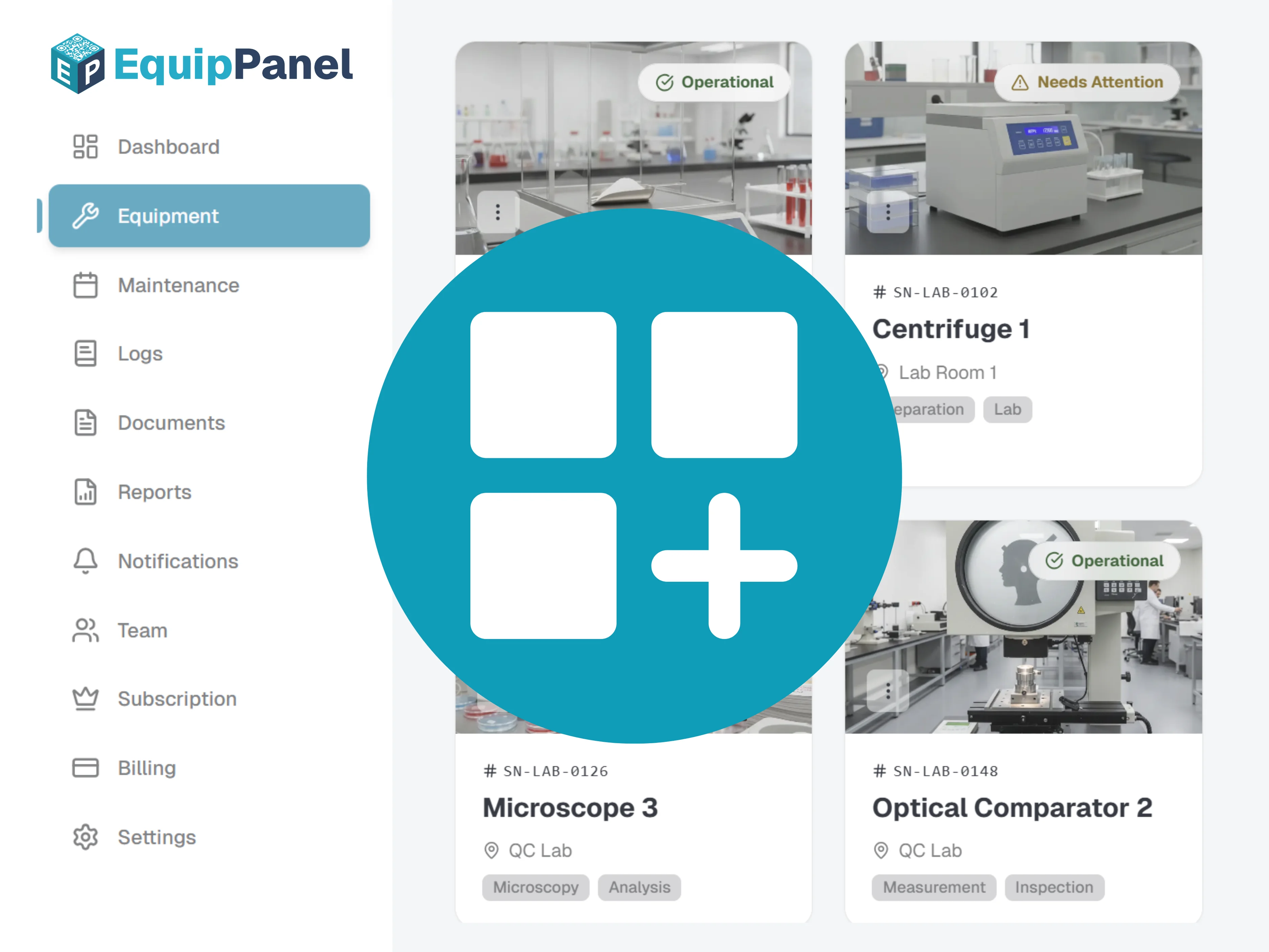
Digitally record your equipment
Create a digital profile for each machine or equipment with all relevant data, documents and inspection intervals.
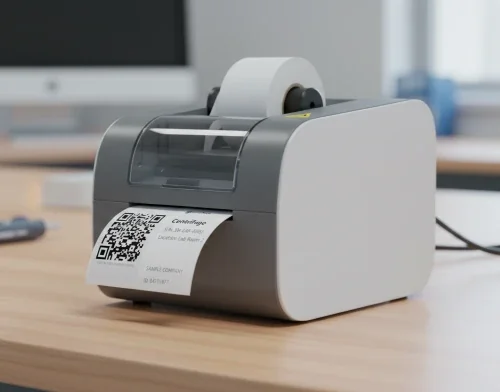
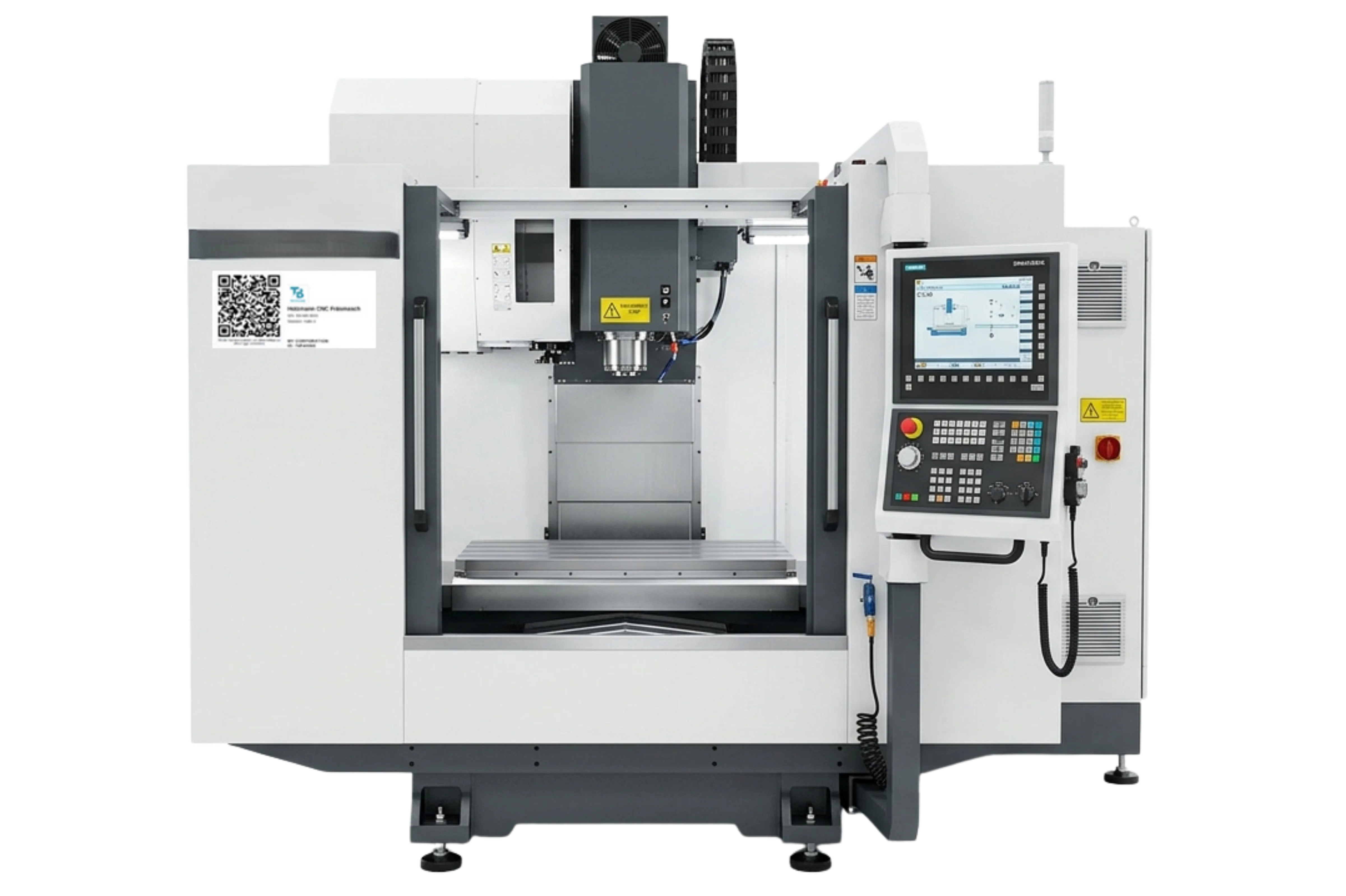
Attach QR codes directly to the machine
Each piece of equipment gets a unique QR code for direct access to its full profile — documents, deadlines, and history on site.
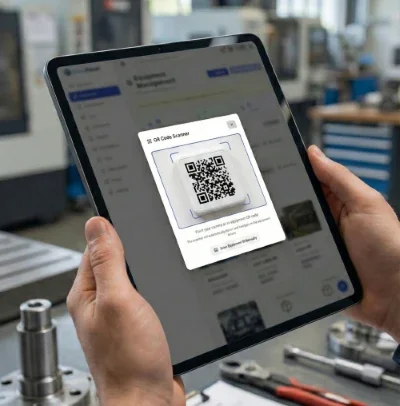
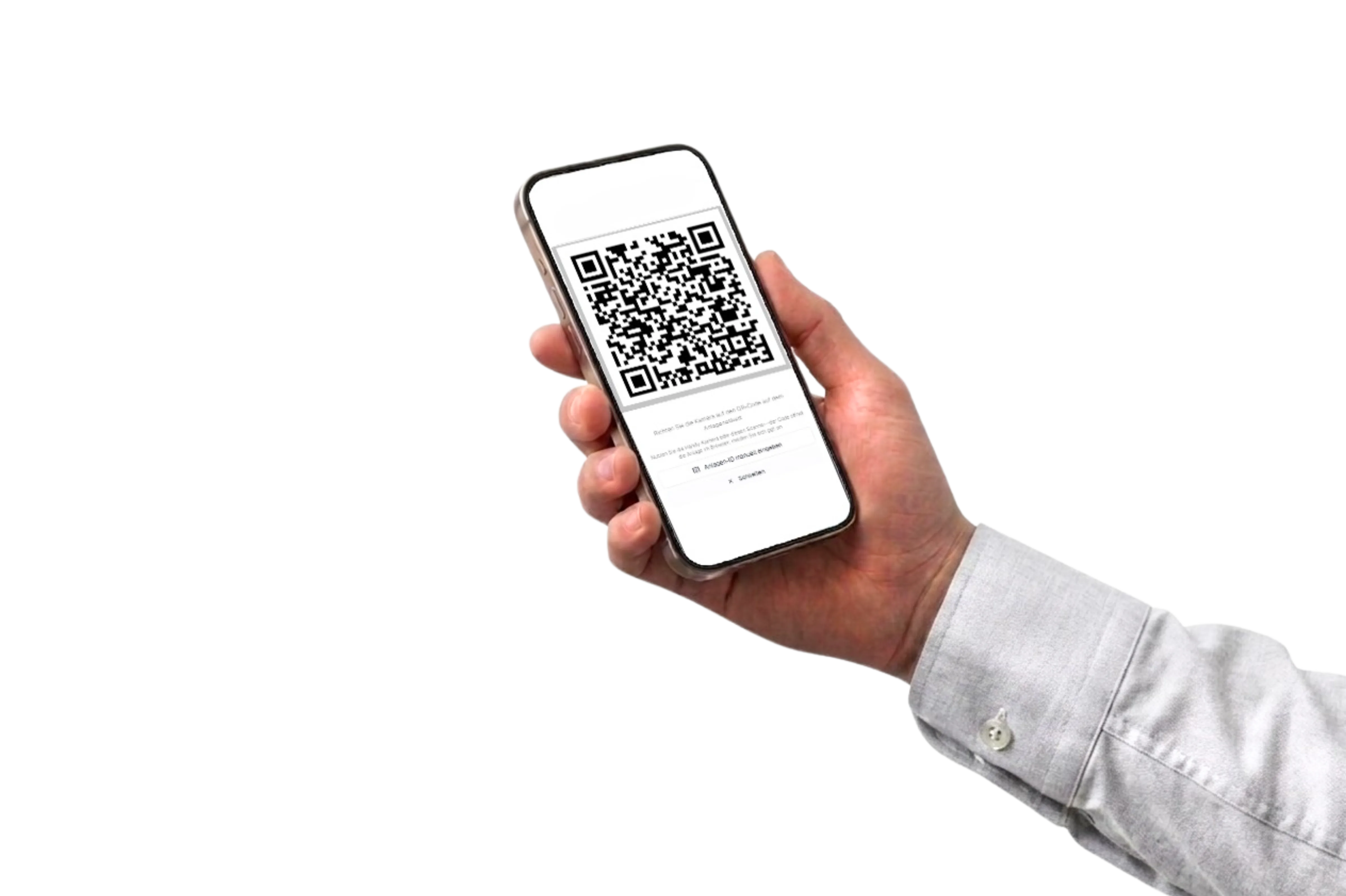
Scan and open your equipment profile on site
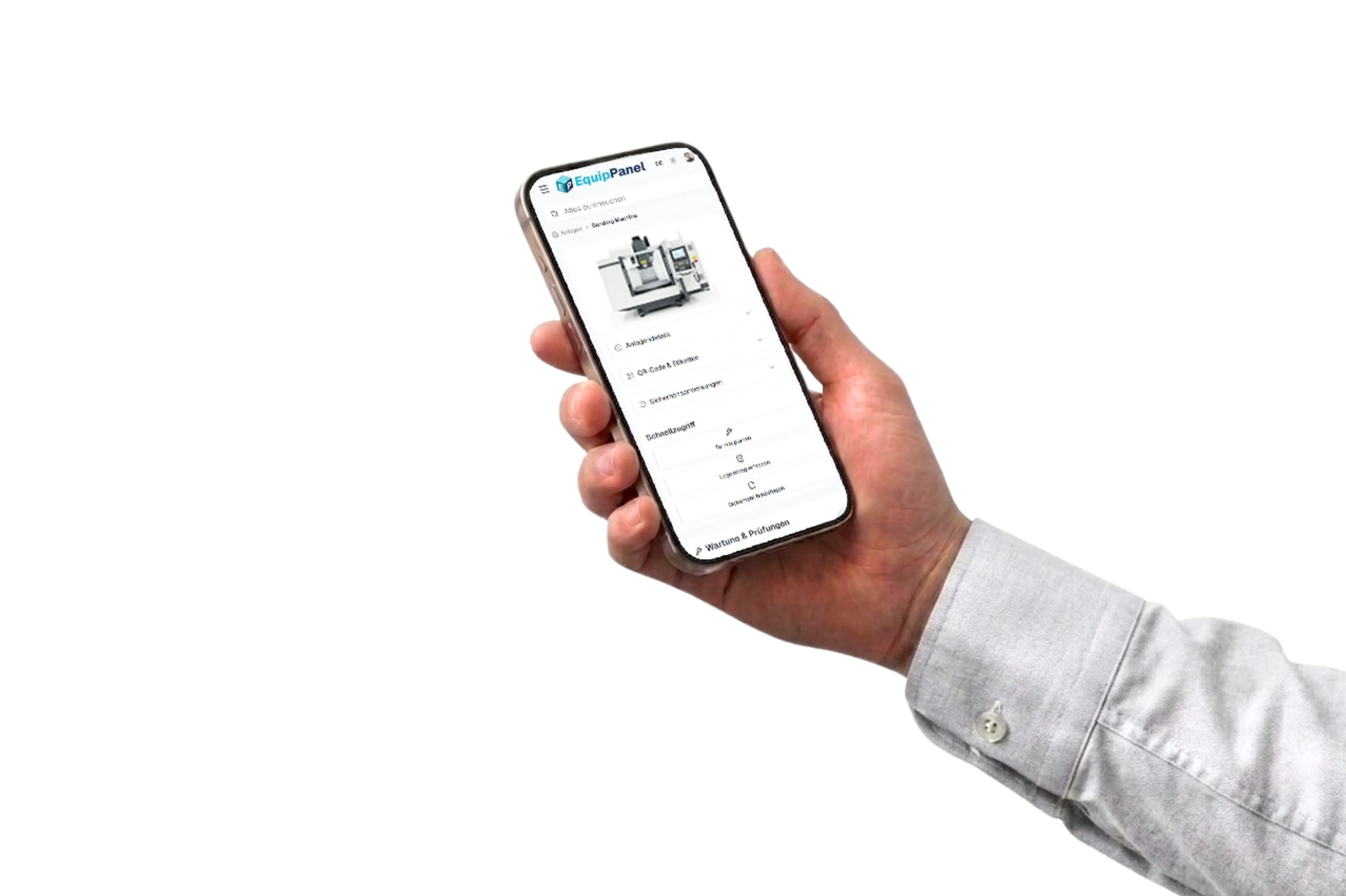
Scan the QR code for instant access to documents, maintenance deadlines, and history — right on the shop floor.
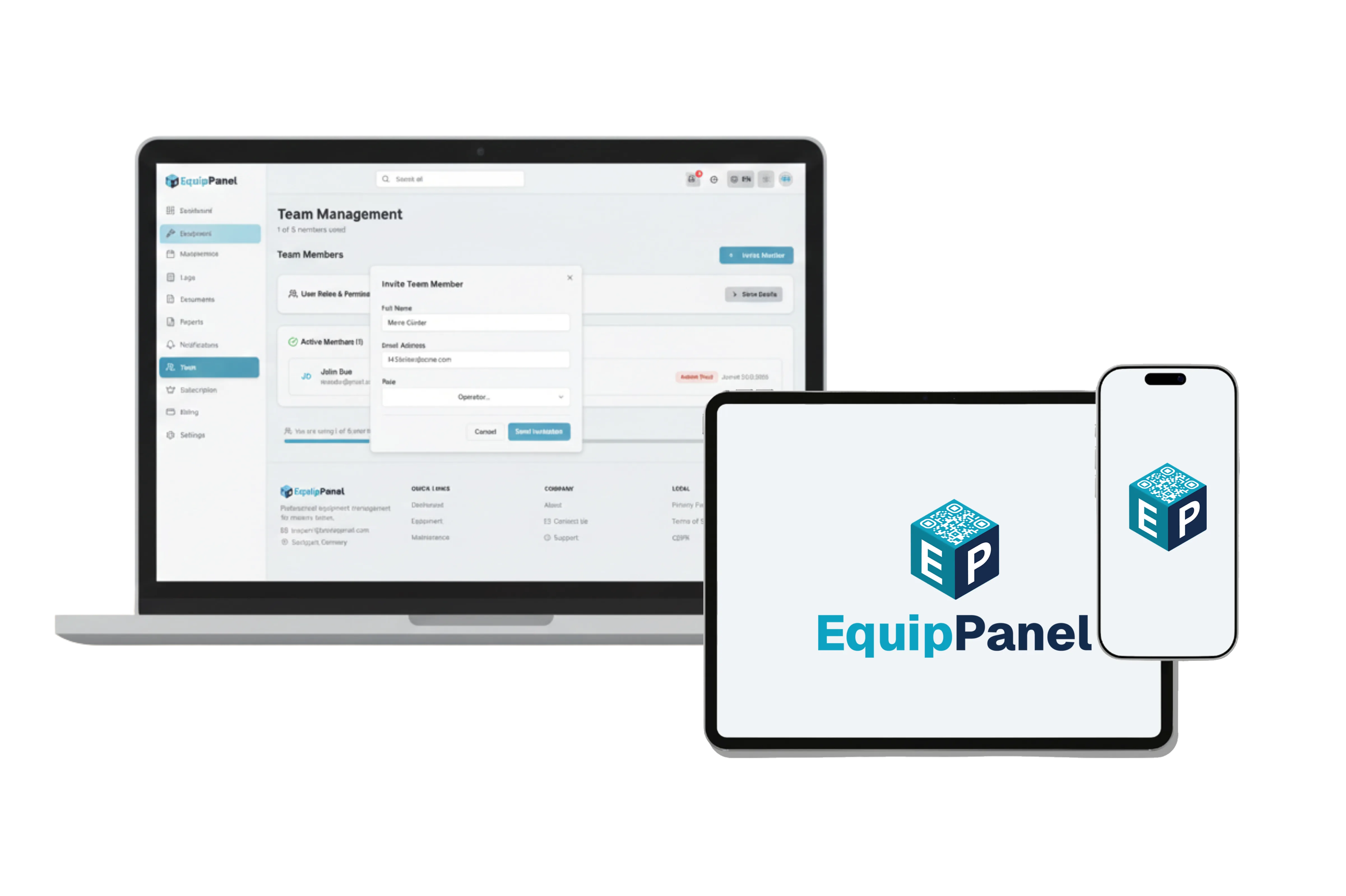
Works in your browser
No app. Just scan.
Log in once from any device. At the equipment, scan the QR code and access logs, documents, and maintenance — everything your team needs, right where work happens.
No app installation
EquipPanel runs in any mobile browser on smartphone, tablet, or laptop — no download, no app store.
Sign in once
Your team logs in once and stays authenticated. No repeated setup on every visit.
Scan and go
Scan the equipment QR code for instant access to inspection records, documents, and maintenance schedules.
What gets documented?
All relevant information for your machines and equipment is captured in one place—structured, traceable, and available whenever you need it.
Inspection records and evidence
Results from initial, recurring, and exceptional inspections, including date, inspector, outcome, and next due date.
Maintenance and upkeep
Work performed, repairs, and measures taken, with a full history of activities over time.
Documents and technical files
Manuals, certificates, drawings, and other files stored with the relevant equipment.
Photos and attachments
Images of damage, components, or inspections, plus supporting files for clearer traceability.
Changes and history
Entries are recorded with timestamps and attribution so activity on each asset stays understandable over time.
That produces documentation that fits daily operations and is ready when you need it for an inspection or audit.
Everything for your equipment management
Every feature is designed to keep your equipment complete, traceable, and under control at all times.
QR Code Access
Open the full equipment profile on site with a QR scan — documents, deadlines, and history without searching.
Automatic inspection deadline monitoring
Maintenance and inspection deadlines tracked automatically — assign tasks to team members on Starter+ and see your personal queue in My Tasks.
Documentation with photos and attachments
Each entry is recorded with images, documents and a timestamp for a complete history.
Clear responsibilities in the team
Assign maintenance and inspection tasks to the right person, use My Tasks on the shop floor, and manage roles centrally.
All documents centrally available
Store manuals, certificates, drawings, and technical documents with each equipment. Organize everything in one central location.
Inspection reports on demand
Generate structured reports for internal inspections or external audits quickly and export them.
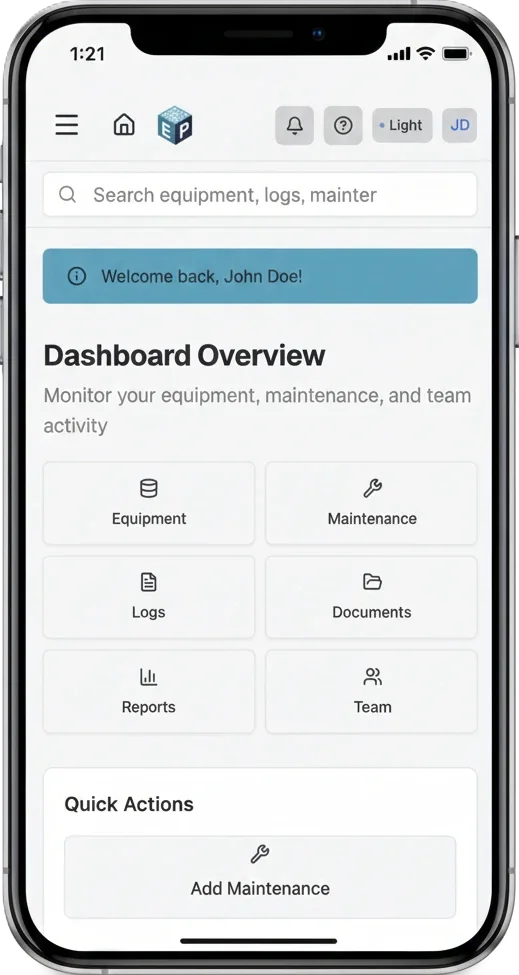
The same view at the equipment as in the office
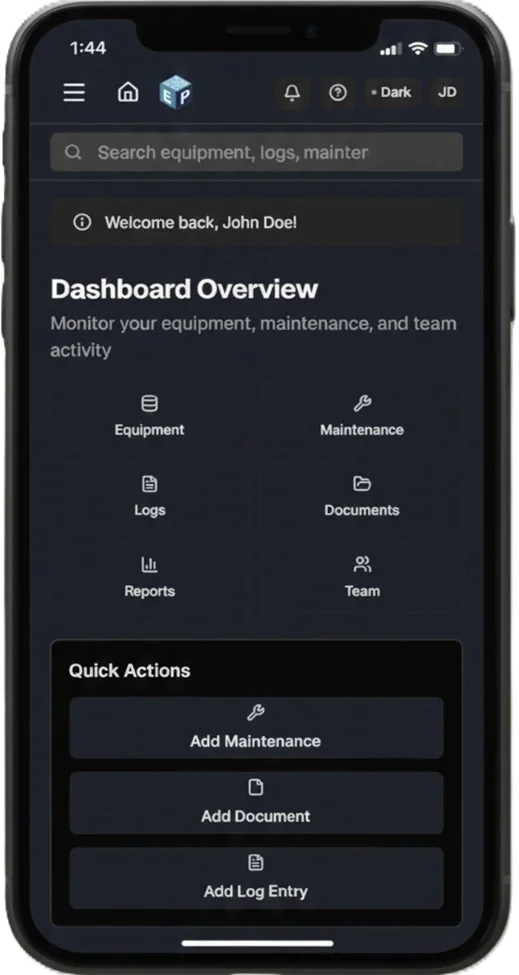
Scan, check status, log an entry — on one mobile equipment page. No trip to the office, no digging through folders.
- Status, deadlines, and documents at a glance
- Log entries on site — with photos and attachments
- Large touch targets — usable in workshops and production
For SMEs that run on the shop floor
EquipPanel helps SME teams keep their equipment structured and under control — status, deadlines, records, and documents in one place, accessible directly at the equipment. That saves search time and duplicate upkeep without extra admin burden. Inspections and legal responsibility remain with your organization.
Workshops & manufacturing
Bring manuals, certificates, and inspection and maintenance records together per machine. See due dates in context and scan a QR code at the asset for the same view your office sees.
- Inspection and maintenance documentation in one place
- Maintenance scheduling and due-date visibility
- Documents and logs at the machine via QR
Maintenance & service teams
Give technicians one timeline and record set across customer sites or internal assets—less copying from spreadsheets into tickets, clearer handover to operations.
- Shared schedules and reminders across assets
- Equipment status in one view
- Mobile-first logs with attachments
Labs & research
Track calibration cycles and keep certificates and SOPs where people work. QR access at the bench reduces time spent searching shared drives or binders.
- Calibration reminders
- Digital SOP and certificate storage
- Structured, traceable activity logs
Makerspaces & fab labs
Share equipment status and basic instructions with members. QR codes give quick access to tutorials, safety notes, and who to contact when something looks off.
- Status check via scan
- Member roles and permissions
- Simple issue reporting with context
Loading pricing...
Ready to get started?
Create a free account in minutes — no IT project required.
Paid plans include a trial with full features. Billing starts after the trial if you continue — cancel before then at no cost. Card required for paid trials.
Made in Stuttgart · Web-based · GDPR-oriented · Hosted in Germany
Product updates, lightly
Occasional emails with release notes and practical tips for equipment management workflows. Unsubscribe anytime.
By subscribing, you agree to receive product updates. You can unsubscribe anytime.