Einsatzbereiche: Dokumentation und Nachvollziehbarkeit
Strukturierte Betriebsmitteldaten, Wartungs- und Prüf-Protokolle, Dokumente und Exporte – damit Ihr Team Nachweise schnell zusammenstellt. Das Prüfungsergebnis hängt von Ihren Prozessen und der sachgerechten Nutzung des Systems ab.
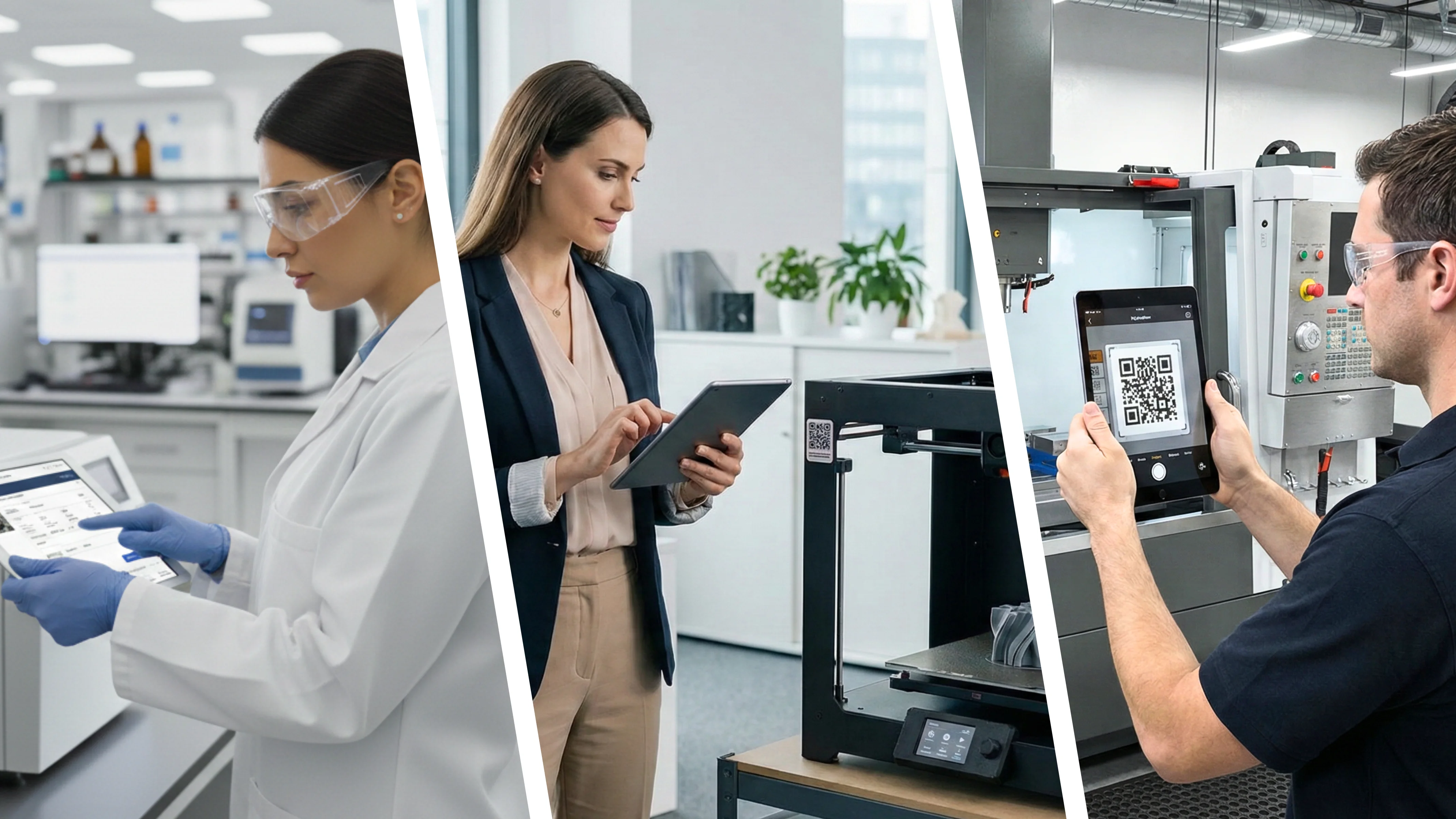
Branchen und Teams
Jede Seite beschreibt reale Workflows und wie EquipPanel die Dokumentation unterstützt – nicht Rechtsberatung oder die Durchführung von Prüfungen.
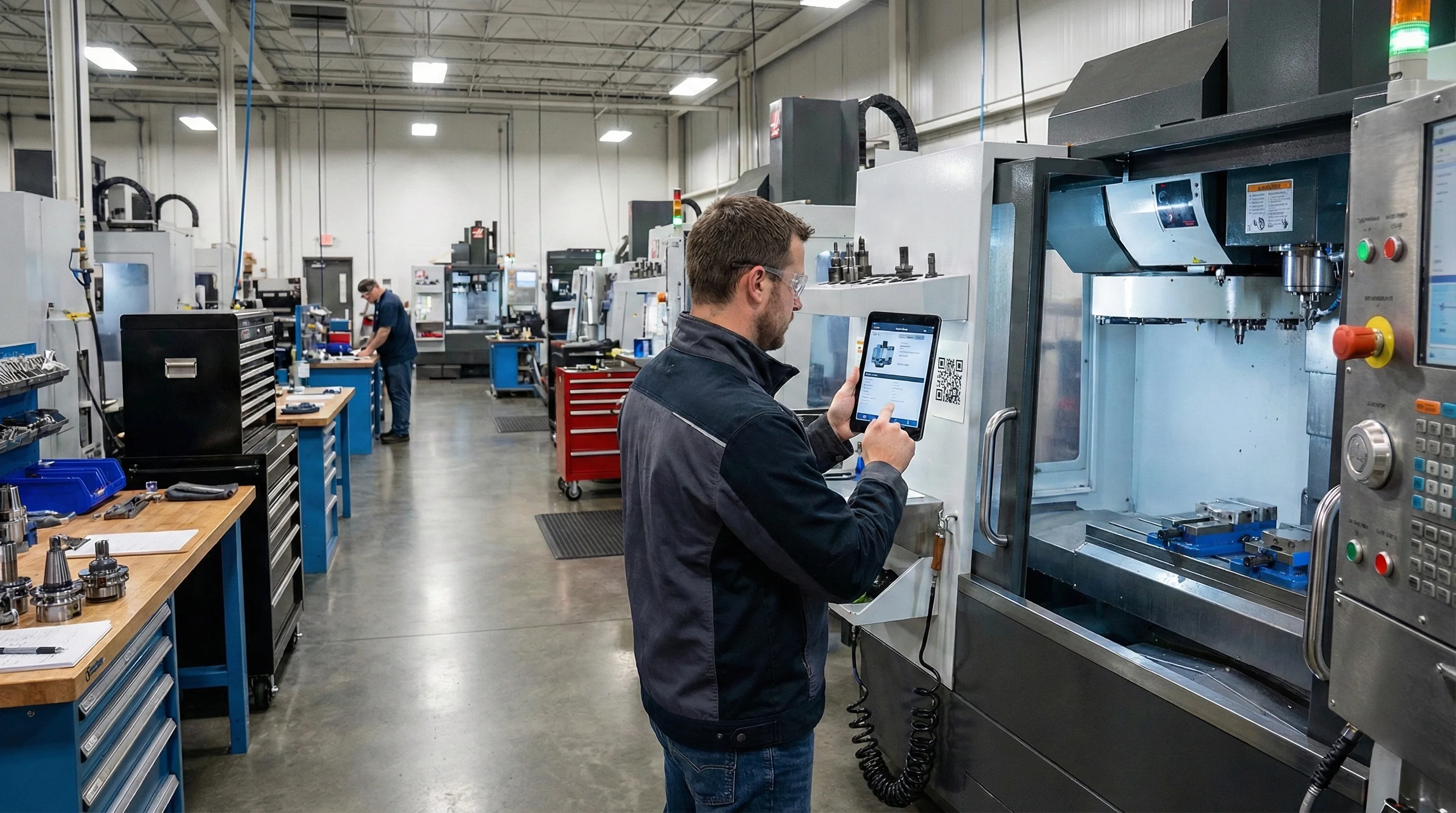
Fertigungswerkstätten und kleine Fabriken
Maschinen, Wartung und Nachweise an einem Ort – strukturierte Protokolle und Dokumente statt Ordner und verstreute Dateien.
- Kein einheitliches Verzeichnis, was auf der Fläche existiert
- Schichtübergaben verlieren, was zuletzt gemacht wurde
Ein Scan öffnet Historie, Dokumente und Protokolle zu dieser Betriebsmittel.
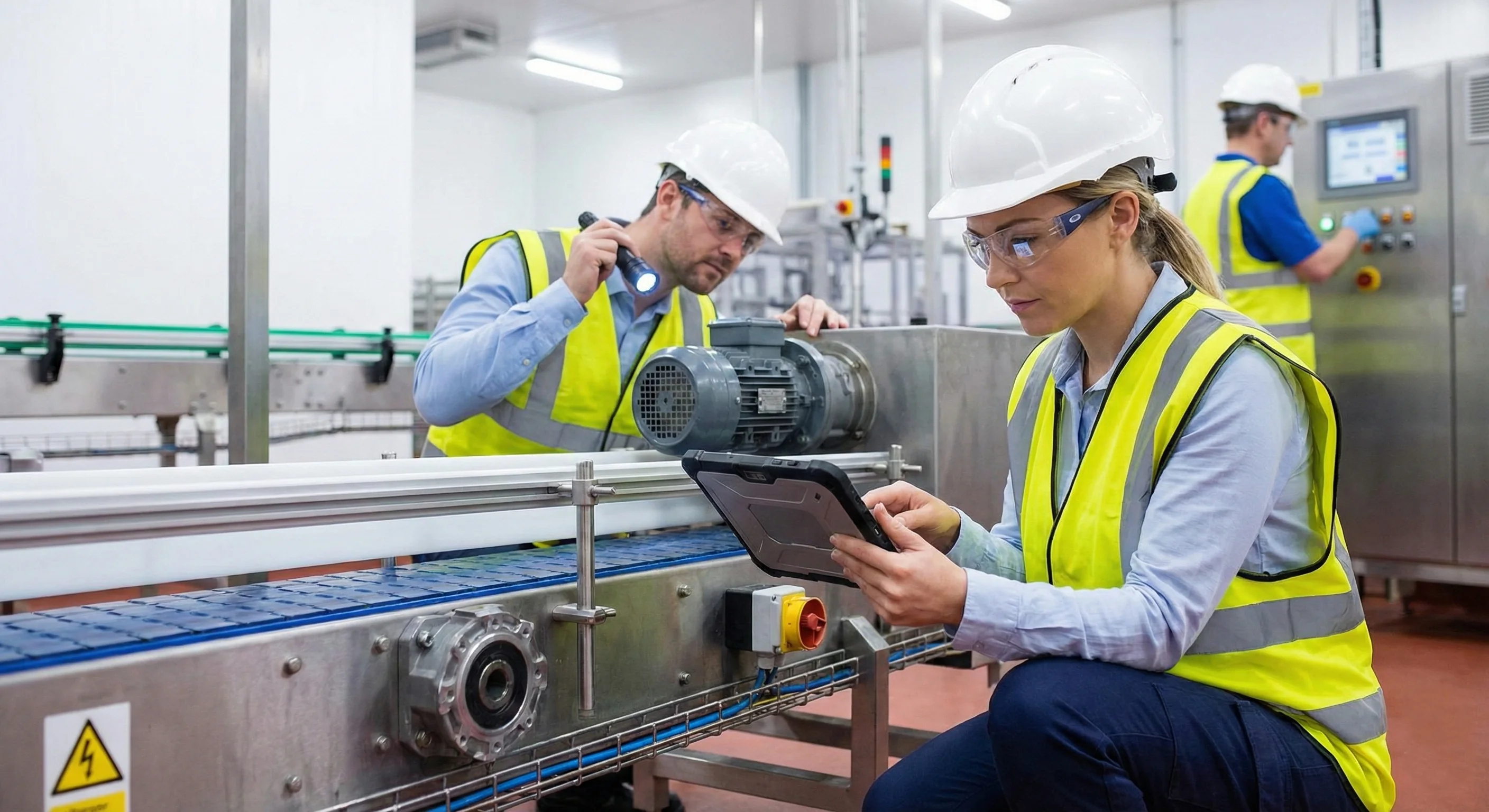
Instandhaltungs- und Serviceteams
Eine Timeline pro Betriebsmittel – Prüfungen, Arbeiten und Anhänge für jede Schicht sichtbar.
- Historie verteilt auf Tabellen und Chats
- Schwer nachvollziehbar, was vor einem Ausfall passiert ist
Techniker erfassen zeitgestempelte Einträge per Smartphone oder Tablet.
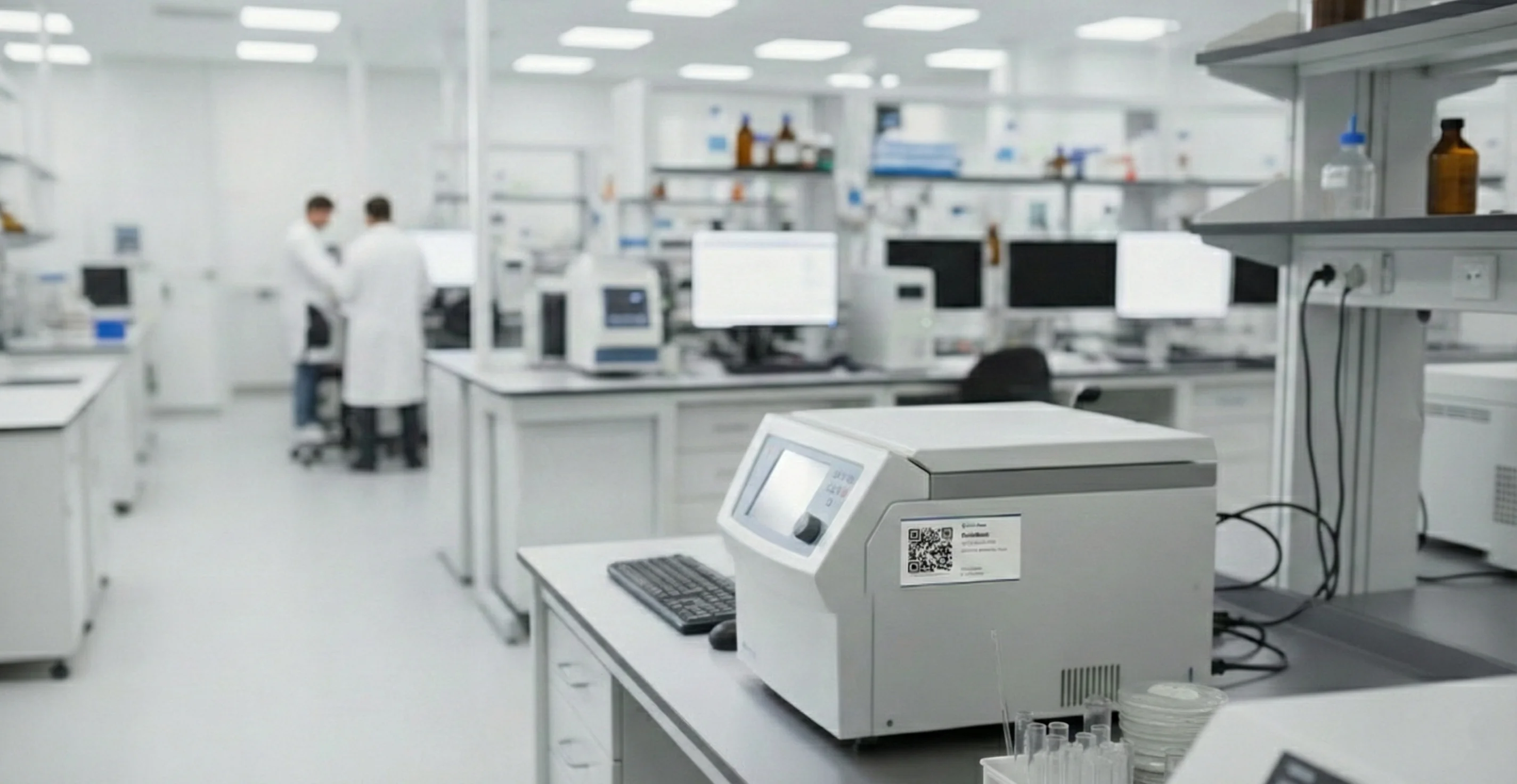
Labore und F&E
Kalibrierungsnachweise, Handbücher und Nutzungshinweise an jedem Betriebsmittel gebündelt – auffindbar, wenn Sie sie brauchen.
- Kalibrierstatus in Listen oder E-Mails
- Nachweise für Abstimmungen verstreut auf Laufwerken und Papier
QR am Arbeitsplatz führt zum Betriebsmitteldatensatz und den Dokumenten.
Weitere Einsatzbereiche
Gemeinschaftswerkstätten, Bau und mobile Teams, Bildung sowie strukturierte Prüfdokumentation.
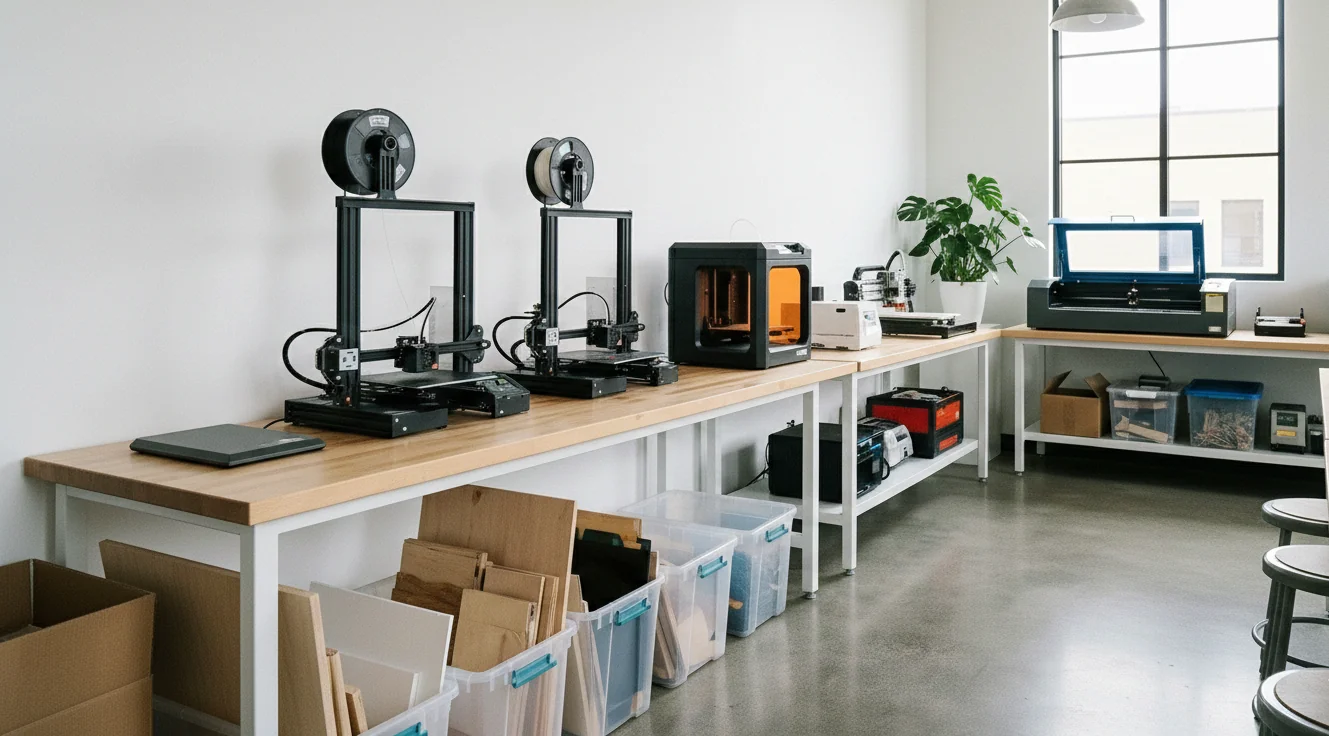
Gemeinschaftswerkstätten
Anweisungen und Nutzungs-Protokolle an geteilten Betriebsmittel – der nächste Nutzer sieht Kontext statt Rätselraten.
- Unklar, wer zuletzt das Betriebsmittel genutzt hat
- Sicherheitshinweise fehlen oder sind veraltet
Scan vor Nutzung, Probleme mit Fotos in einem gemeinsamen Protokoll.
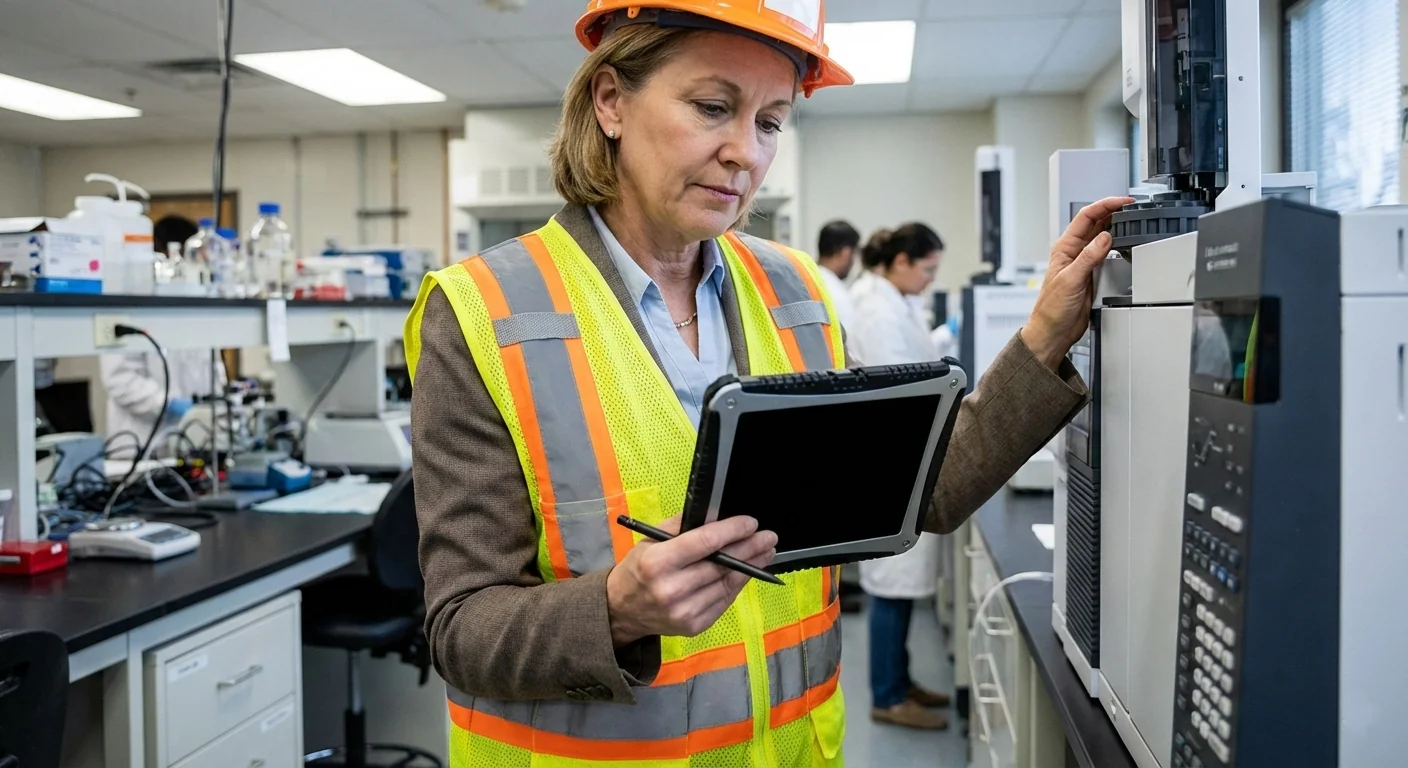
Prüf- und Testdienste für Auftraggeber
Prüfberichte und Nachweise für Ihre Kundenunternehmen gebündelt – eine Akte pro geprüfter Betriebsmittel statt verstreuter Notizen zwischen den Einsätzen.
- Nachweise von vielen Kundenstandorten sind schwer zusammenzuführen
- Auftraggeber erwarten schnell nachvollziehbare Prüf- und Messprotokolle
Strukturierte Protokolle und Dokumente pro geprüfter Betriebsmittel exportieren und unter Ihren Zugriffsregeln teilen.
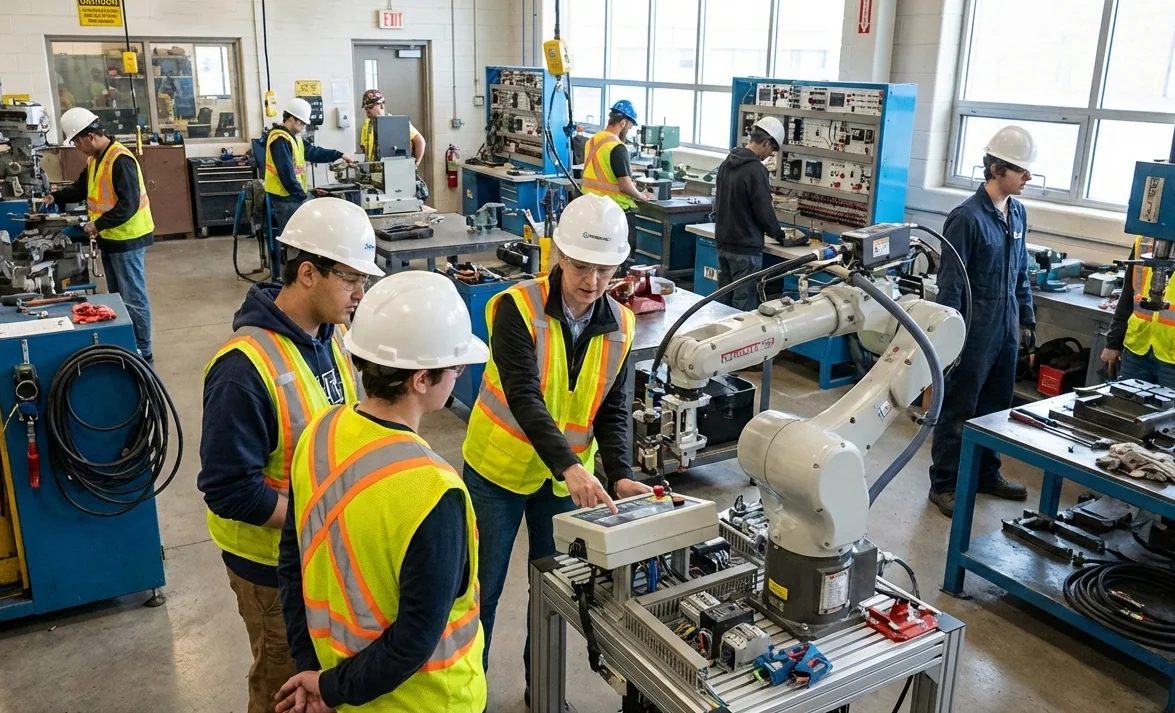
Bildung und Trainingszentren
Gleiche Anweisungen und protokollierte Nutzung für jede Gruppe – weniger Interpretationsspielraum für Ausbilder.
- Hohe Fluktuation an denselben Betriebsmittel
- Kein klarer Nachweis, wenn etwas schiefgeht
QR verlinkt Regeln; Ausbilder sehen einen gemeinsamen Protokoll-Verlauf pro Station.
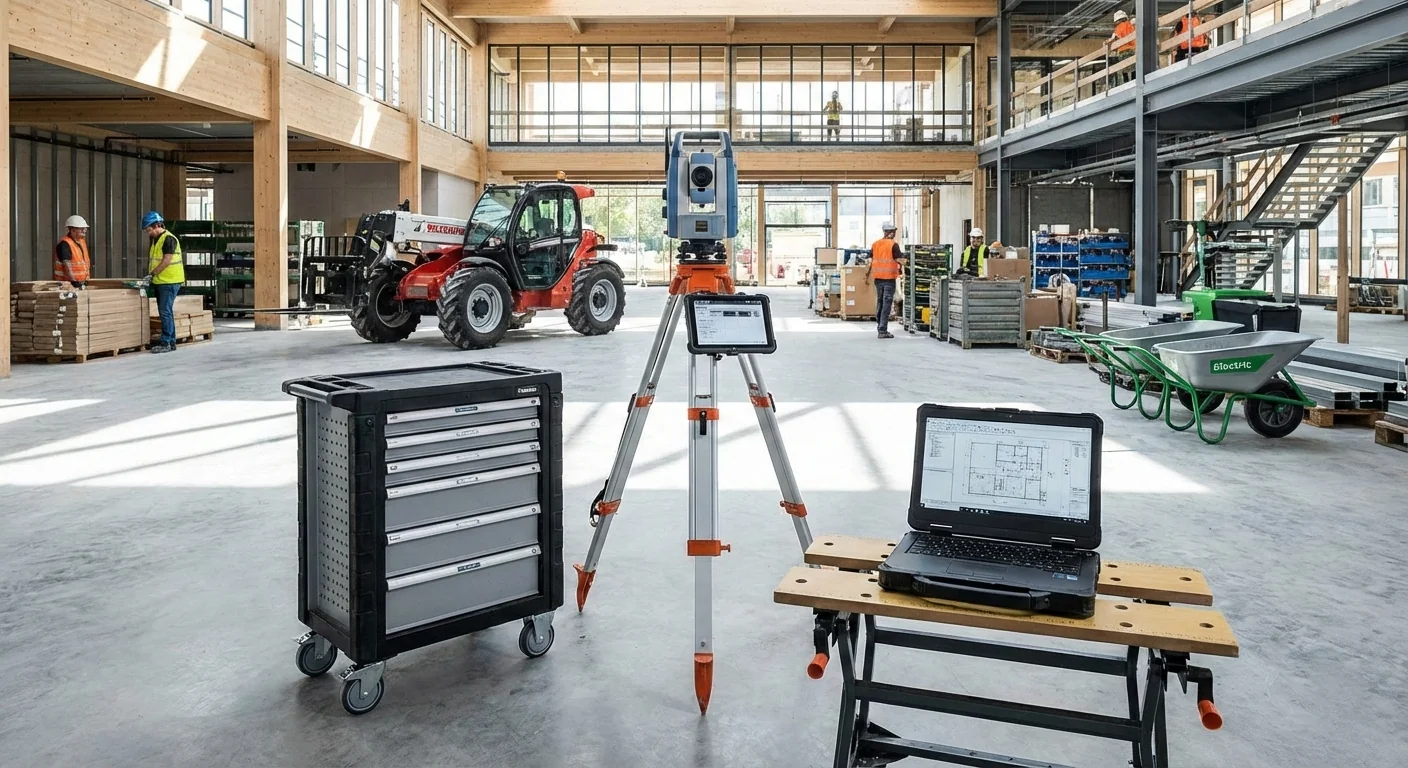
Bau und mobile Betriebsmittel
Identität und Historie wandern mit dem Betriebsmittel – Protokolle und Handbücher am Einsatzort abrufbar.
- Betriebsmittel wechseln die Baustelle ohne klare Zuordnung
- Papier liegt im Büro oder im Fahrzeug statt vor Ort
Vor Ort scannen, Betriebsmittel-Panel öffnen und Protokolleintrag aus dem Feld erfassen.
Was EquipPanel unterstützt – und was bei Ihnen bleibt
EquipPanel unterstützt die digitale Prüf- und Wartungsdokumentation nach BetrSichV im Sinne von Nachvollziehbarkeit und Auffindbarkeit von Nachweisen. Gefährdungsbeurteilung, Prüfentscheidungen und die Durchführung durch qualifizierte Personen bleiben in Ihrer Verantwortung.
Wir unterstützen
- Eine zentrale Betriebsmittelidentität mit Historie, Dokumenten und Protokolle
- Strukturierte Einträge und lesbare Exporte für interne Abstimmung oder Prüfungen
- QR-Zugriff auf Betriebsmittelinformationen direkt am Arbeitsplatz
Beim Arbeitgeber verbleibt unter anderem
- Gefährdungsbeurteilung und Organisation der Prüfungen
- Ausführung der Prüfungen durch die hierfür qualifizierten Personen
- Beurteilung, ob Ihre Unterlagen im jeweiligen regulatorischen Kontext ausreichen
Individuelle Beratung gewünscht?
Beschreiben Sie Ihre Umgebung und wir empfehlen die passenden Workflows und Funktionen.